
What net metering means
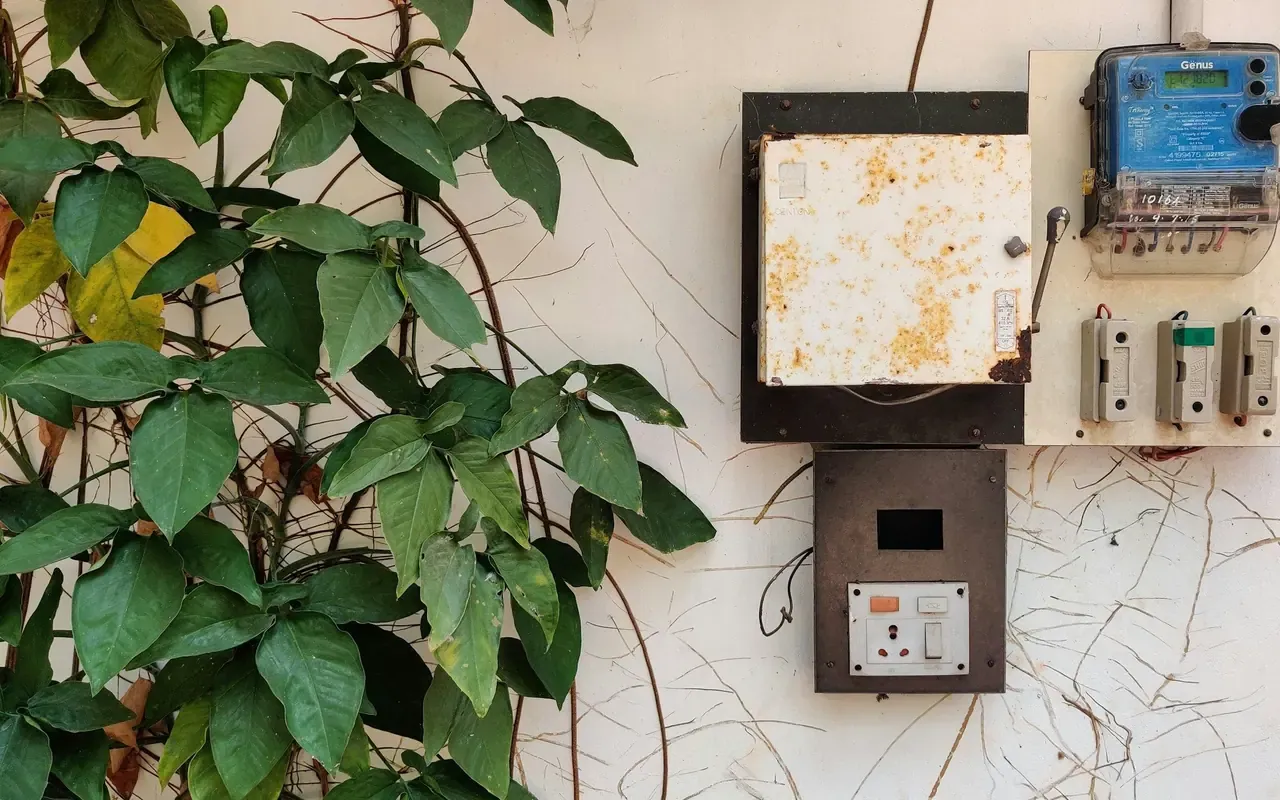
With net metering, your solar system powers your home first and sends any surplus to the BESCOM grid. A bidirectional meter records both what you take from the grid and what you send back, and BESCOM bills you on the difference.
BESCOM also offers gross metering, where all the power your system generates is sold to BESCOM at a tariff set by KERC, and your consumption is billed separately. Most homes choose net metering. You pick one when you apply.
Check these before you apply
- Your account ID and RR number, from your BESCOM bill
- Your sanctioned load: BESCOM's portal won't accept a solar capacity above it, so apply for a load increase first if needed
- The name on the bill matches the person applying
- Enough shadow-free roof area for the system you want
- Aadhaar details and PAN, for e-signing the agreement
- An email address and mobile number for OTPs
The application, step by step
- Register on the PM Surya Ghar national portal. You'll get a registration or application reference code, which BESCOM asks for.
- On BESCOM's solar rooftop portal, enter the reference code and your rooftop details: capacity, net or gross metering, panel type (DCR or non-DCR), shadow-free area and location.
- Upload your latest electricity bill and the sanction document (each as a PDF under 2 MB), pay the fee and e-sign the Power Purchase Agreement with BESCOM. The agreement runs for 25 years from commissioning.
- BESCOM checks technical feasibility. Small home systems can often be cleared online; larger or unusual ones may need a site visit.
- Your installer completes the installation and submits the completion details.
- BESCOM inspects the installation and fits the bidirectional meter. The system is then commissioned.
- If you're eligible, claim the PM Surya Ghar subsidy on the national portal.
In practice your installer usually prepares and files most of this with you. You still e-sign the agreement and approve the details yourself.
How long it takes
There's no fixed timeline. It depends on your BESCOM sub-division's workload and how complete your file is. Feasibility usually comes first and quickest; the inspection and meter change is often the slowest stage. A complete, consistent file avoids the delays you can control.
Common reasons applications get stuck
- Proposed capacity is higher than the sanctioned load
- The bill is in a different name, such as a parent who has passed away or a previous owner
- A wrong or inactive account ID
- Documents over 2 MB or not in PDF format
- Missing installation or completion details from the vendor
Your agreement and tariff
The Power Purchase Agreement you e-sign sets out how BESCOM credits or pays for exported power, using tariffs set by KERC. Tariffs are revised from time to time, and the agreement includes rules for what happens if commissioning is delayed. Read the tariff and capacity on the agreement carefully before you e-sign.
Note that the agreement also states BESCOM isn't liable if power can't be taken during grid outages.
BESCOM solar helpline
For questions about your application, BESCOM's solar rooftop helpline is 080 2234 0816 or 080 2234 0817, and the email is [email protected].
How we help
Smartsol Systems prepares your documents, checks your sanctioned load and bill details before anything is filed, and follows the application through BESCOM's feasibility, inspection and meter stages.
Sources
Rates, rules and subsidy amounts change. We check them when we update this guide; confirm the latest with the source before you apply.